
Always within reach
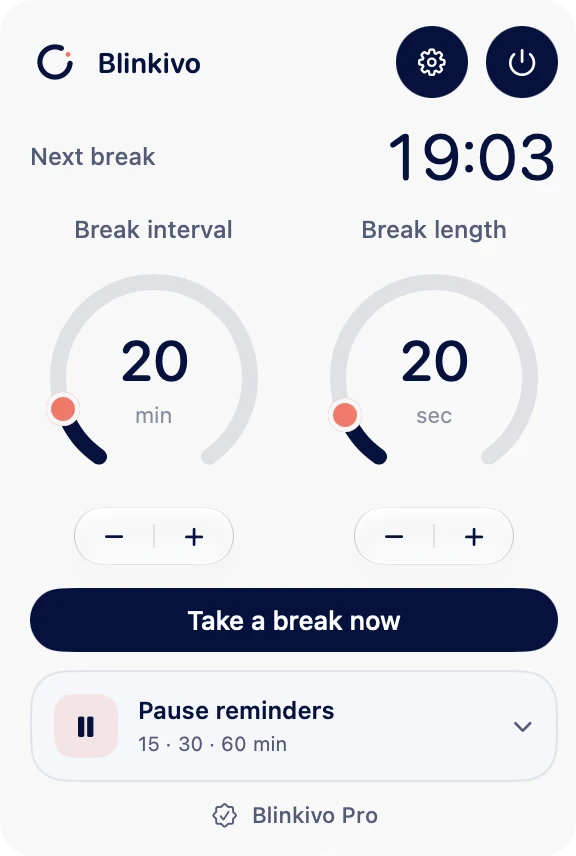
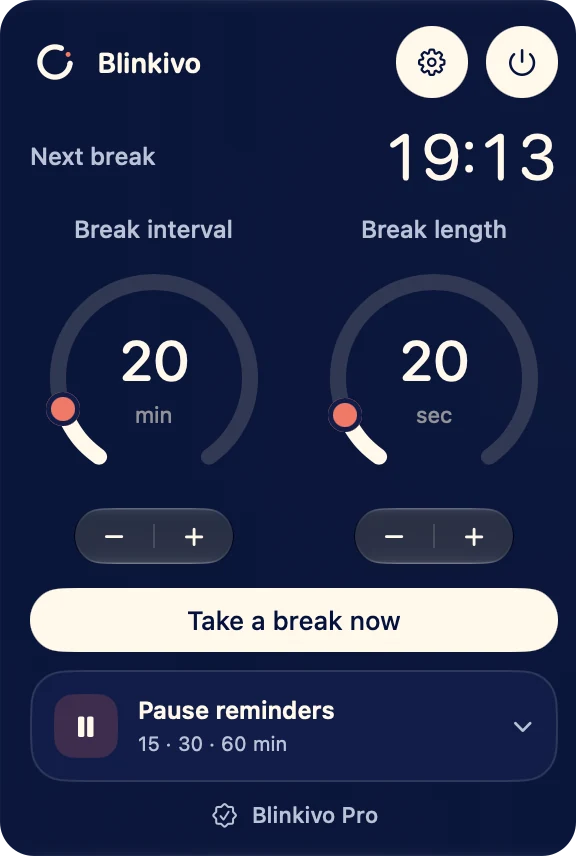
Check the countdown, start a break or pause reminders manually, all from your menu bar.
Your eye-break reminder for Mac
“Just one more thing” can turn into another hour. Blinkivo reminds you to look away from your screen, right from your Mac’s menu bar.

macOS 26+ · No Blinkivo account · No subscription
Check the countdown, start a break or pause reminders manually, all from your menu bar.
Eye breaks work with your multi-monitor workspace too.
Your timer and settings stay local. No ads or app tracking of our own. Purchases are handled by Apple.
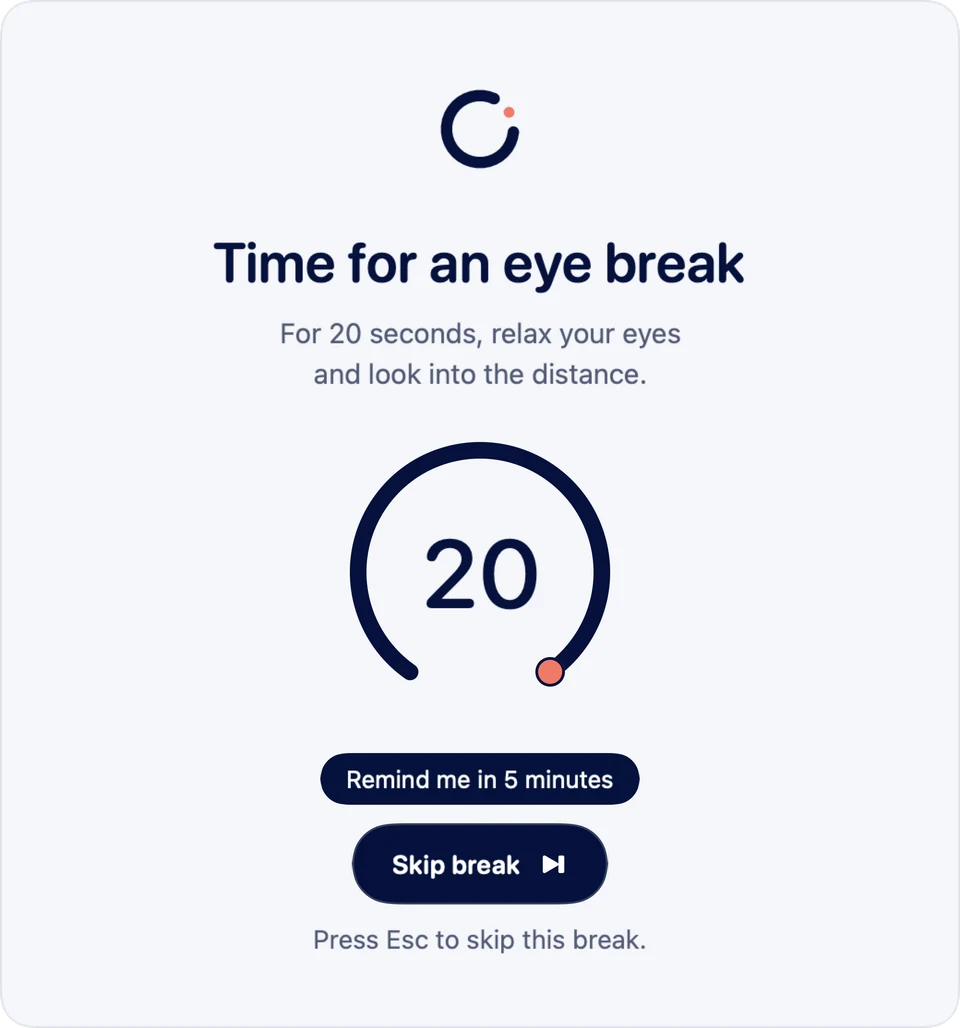
Set your focus interval and break length.
An optional warning 15 seconds before your break.
Look into the distance, then get back to your day.
In your menu bar
The free base gives you 20- or 30-minute focus intervals and 20- or 30-second breaks. You can start a break straight away, postpone it by five minutes or skip it when the timing doesn’t work.
Pausing manually until you choose to resume is free. Timed reminder pauses that resume automatically are part of Pro.
Optional with Blinkivo Pro
Pro adds automation and more timing options. Unlock it once in the app, with no subscription.
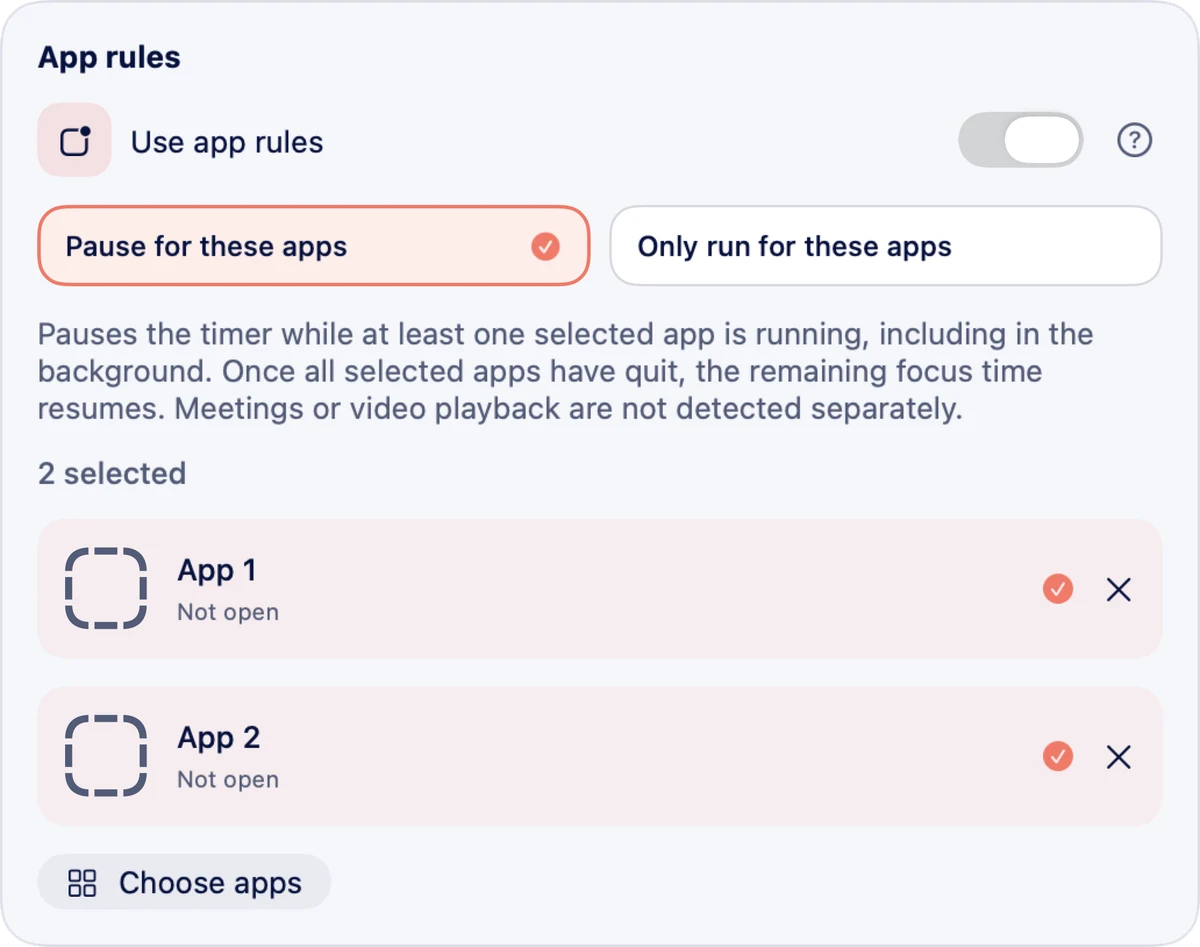
Choose apps that pause your timer. Or let it run only while at least one selected app is open. The app filter includes apps running in the background.
Meetings and videos are not detected automatically. The rule checks whether your selected apps are running.
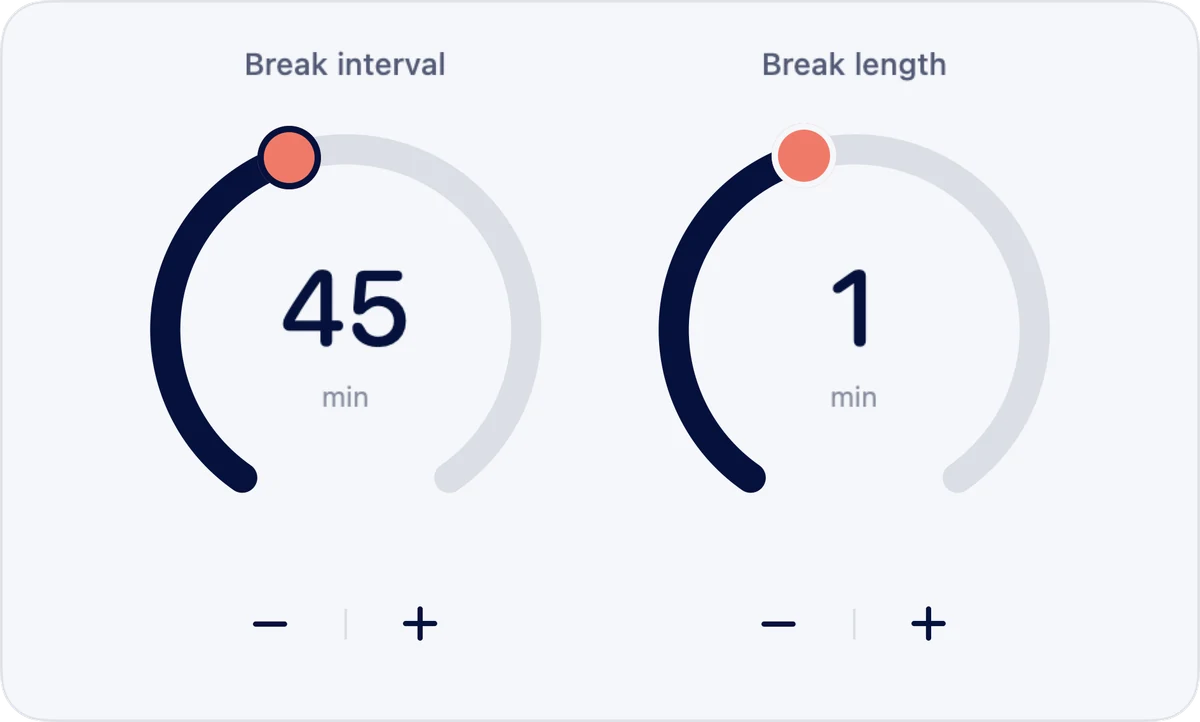
Choose from the available steps between 10 and 120 minutes of focus and 10 seconds and 5 minutes per break. That includes 45 minutes of focus and a one-minute break, as shown here.
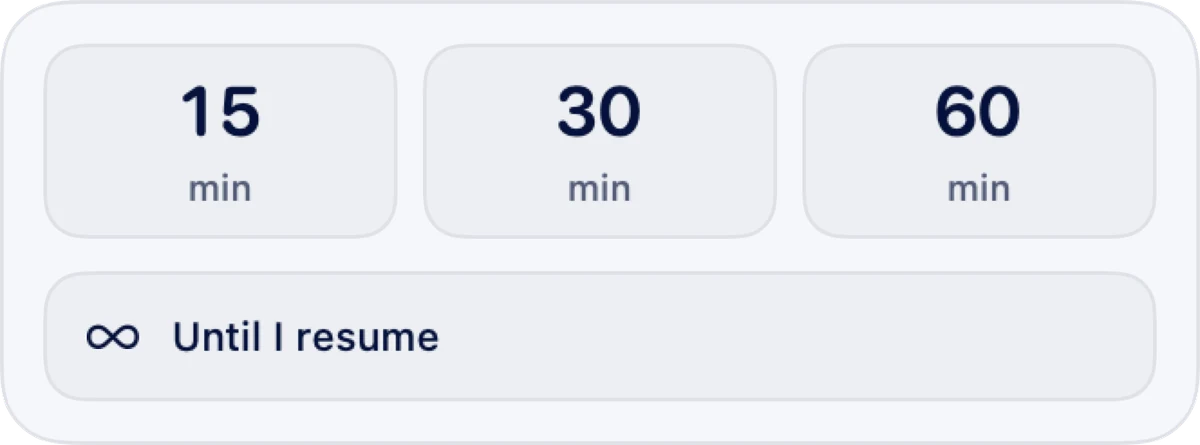
Pause reminders with Pro for 15, 30 or 60 minutes. The timer resumes automatically afterwards. Pausing without a time limit and resuming yourself stays free.
Pro accounts for 5, 10 or 15 minutes without input. Reading or watching videos can also count as inactivity.
Pro lowers output volume during a break on supported audio devices and adds more alert sounds.
Use Pro to make time controls compact or hide them. Light and dark appearance are already included in the base.
Light or dark
Choose your appearance, use Blinkivo in English or German and let it launch with your Mac if you like. All included in the free base.
For regular eye breaks.
One-time in-app purchase. No subscription.
The app shows the current Pro price in your currency before you buy. Apple handles the purchase and payment. Restore an existing Pro in-app purchase in the Pro window or under “About & Help”.
View in Mac App StoreWhat to know before you start.
No. The base reminds you with 20- or 30-minute focus intervals and 20- or 30-second breaks. Start, postpone or skip a break and pause reminders manually. Pro adds the timing options and automation marked above.
No. Pro app rules check for open apps, including those in the background. They do not detect a call or video playback. You can pause reminders yourself for a particular event.
Pro is purchased once in the app and is not a subscription. Apple shows the regional price before you confirm. “Restore Purchases” checks an existing Pro in-app purchase again; Apple may ask you to sign in. See the Terms & Usage Information for details.
Yes. The timer and settings work locally without a Blinkivo account. Downloading, purchasing or synchronising through the App Store needs a connection to Apple. Read more in the Privacy Policy.
Blinkivo is a Mac app for macOS 26 or later on Apple Silicon and Intel. You can view this website on other devices; no iPhone, iPad or browser app is offered here.
The Blinkivo blog
Practical guides to eye breaks and a calmer Mac workday, from the maker of Blinkivo.
Questions about Blinkivo? Get in touch.